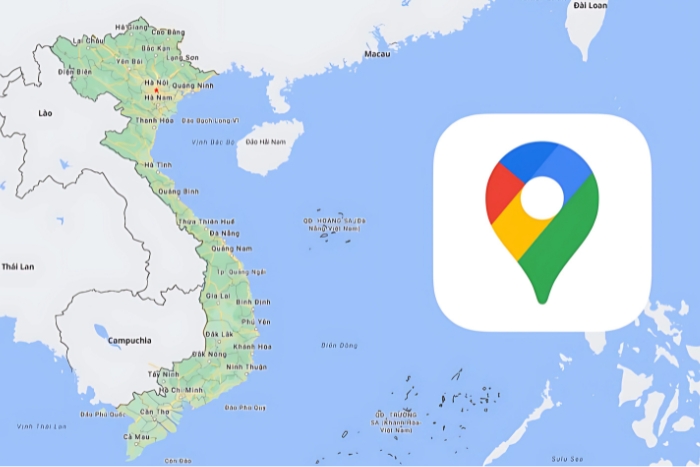


When you're researching your next trip, you'll likely have a list of places to visit. Between blog recommendations, YouTube videos, friends' tips, and even random spots you stumbled upon on Instagram, it's easy to get lost. That's where saving your favorite places in Vietnam on Google Maps comes in really handy. With just a few simple steps on this app, you can save precious time. No more digging through screenshots or notes to find that little cafe you saw two weeks ago. With just a few clicks, everything is accessible on your online map. This also gives you a clear overview of your itinerary.
Google Maps is a free application that allows you to view interactive maps of the world. It offers a very useful feature for travelers: the ability to save favorite places during a Vietnam trip. This allows you to keep track of places to visit, organize your days more efficiently, and ensure you don't forget anything.
Here are the steps to save our agency's address (Autour Asia) on Google Maps to guide you to the office and plan a visit with us:
Open Google Maps on your smartphone.
In the search bar at the top of the screen, type "Autour Asia" and select it from the results.
Once the hotel's profile is displayed, tap the "Save" button (flag or bookmark icon).
Choose a list to save the address to, for example, "Favorites" or "To Visit." You can also create a new list by tapping "+ New List." To access your saved address later, tap the "Saved" tab at the bottom of the Google Maps screen, then select the list where you saved the hotel.
This way, you can easily find your way back to your hotel after your strolls around the city.
If you're an iPhone user and prefer Apple Maps (or simply Maps):
Search for a location in the app. For example: Hue Imperial City.
Tap the address or name.
Tap the "Add to Favorites" button with the heart icon.
The location will be saved to your favorites and will be easily accessible.
However, Apple Maps is sometimes less accurate in Vietnam than Google Maps, so for this trip, Google remains the most reliable choice.
Vietnam is a country rich in spectacular landscapes, vibrant culture, and unforgettable cuisine. To make sure you don't miss a thing during your stay, it's a good idea to save your favorite spots in Vietnam on Google Maps. In Hanoi, don't miss the Old Quarter, with its bustling alleyways and local markets, or Hoan Kiem Lake, perfect for a morning stroll. In the north, the Sapa region will amaze you with its terraced rice fields and authentic ethnic villages, ideal for nature lovers.
In the south, Ho Chi Minh City welcomes you with its urban energy, modern cafes, and bustling markets. For a nature-filled experience, head to the Mekong Delta, where you can enjoy boat rides and discover the typical floating markets.
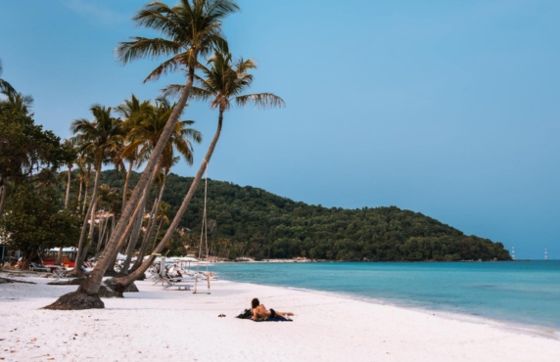
Finally, if you're dreaming of paradisiacal beaches, Phu Quoc Island is an ideal destination to round off your trip in style. All these places are worth adding to your Google Maps favorites list in Vietnam for a well-planned adventure full of discoveries.
Planning a trip also means giving yourself the means to fully experience it. Thanks to Google Maps or Apple Maps, you can easily save your favorite places during a trip to Vietnam, organize your stops, and find your favorite spots with just one click. This simple habit can make a difference. You'll save time, avoid disappointment, and make the most of every moment. So before you pack your bags, open your Google Maps app and start creating your "Must-visit in Vietnam" list.











 FR
FR ITA
ITA